|
COMPOSE NEW MESSAGE IN WEBMAIL
|
|
Support / EMail Support / WebMail Facility / Compose New Message ------------------------------------------------------------------------ i. Log in to your webmail facility and click the 'Compose Message' button. 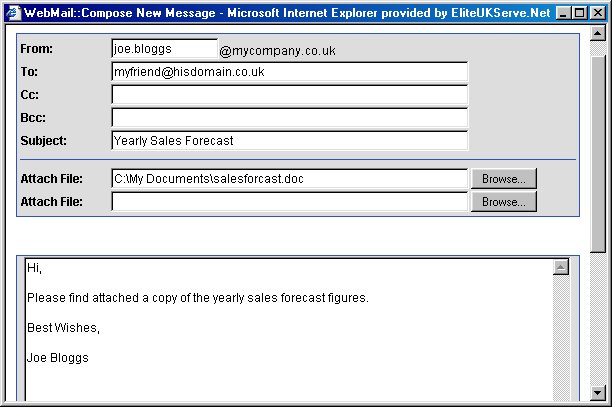 ii. Type the recipient's EMail address in the 'To' field. Type the subject of your EMail message in the 'Subject' field. If you wish to attach a file click a 'Browse...' button and select the appropriate file and finally type your message in the large box. iii. When ready click the 'Send Message' button.
------------------------------------------------------------------------ |
|